IntelliShell
IntelliShell bookmarks commands and includes tldr pages.
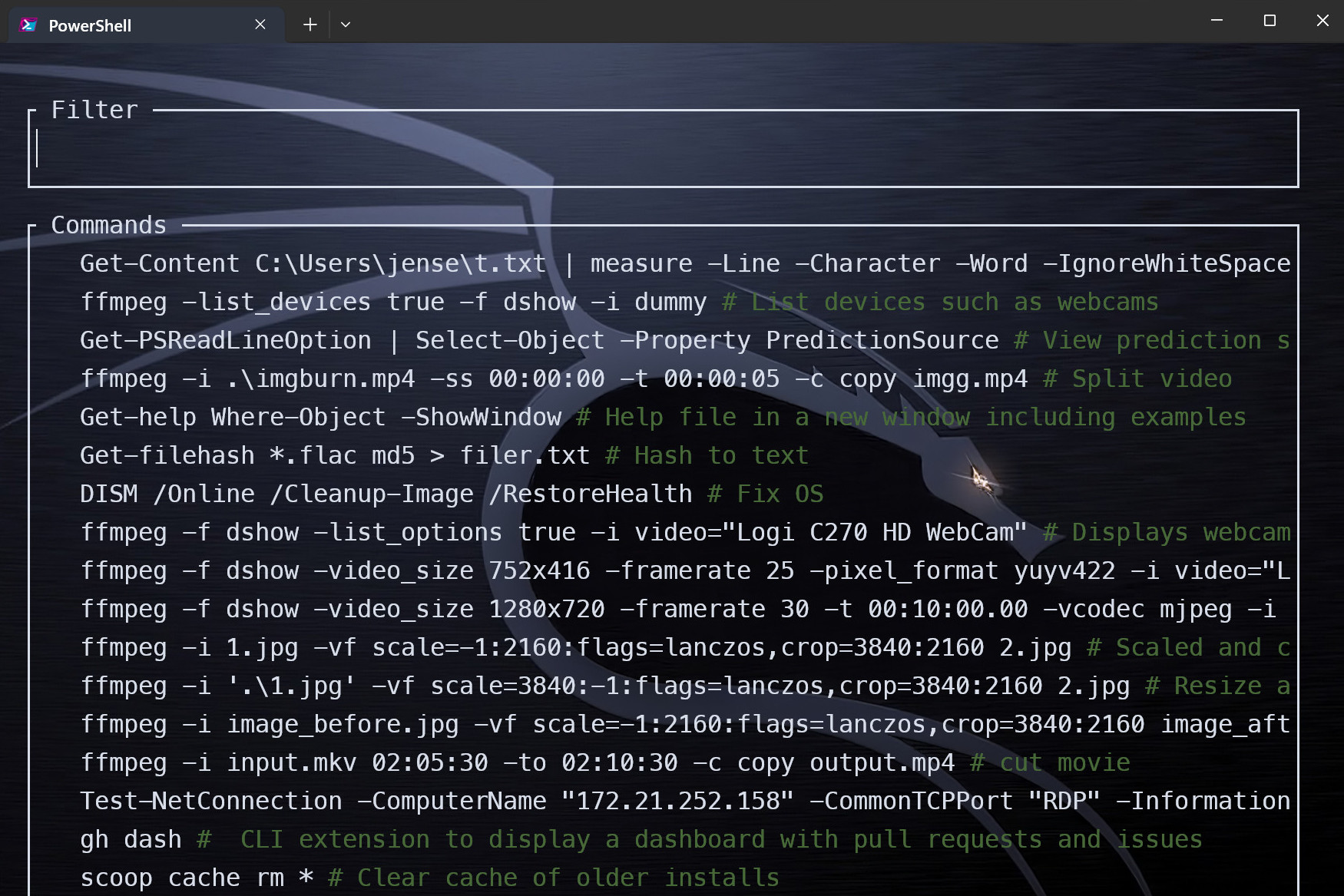
Press Ctrl + Space to list bookmarked commands.
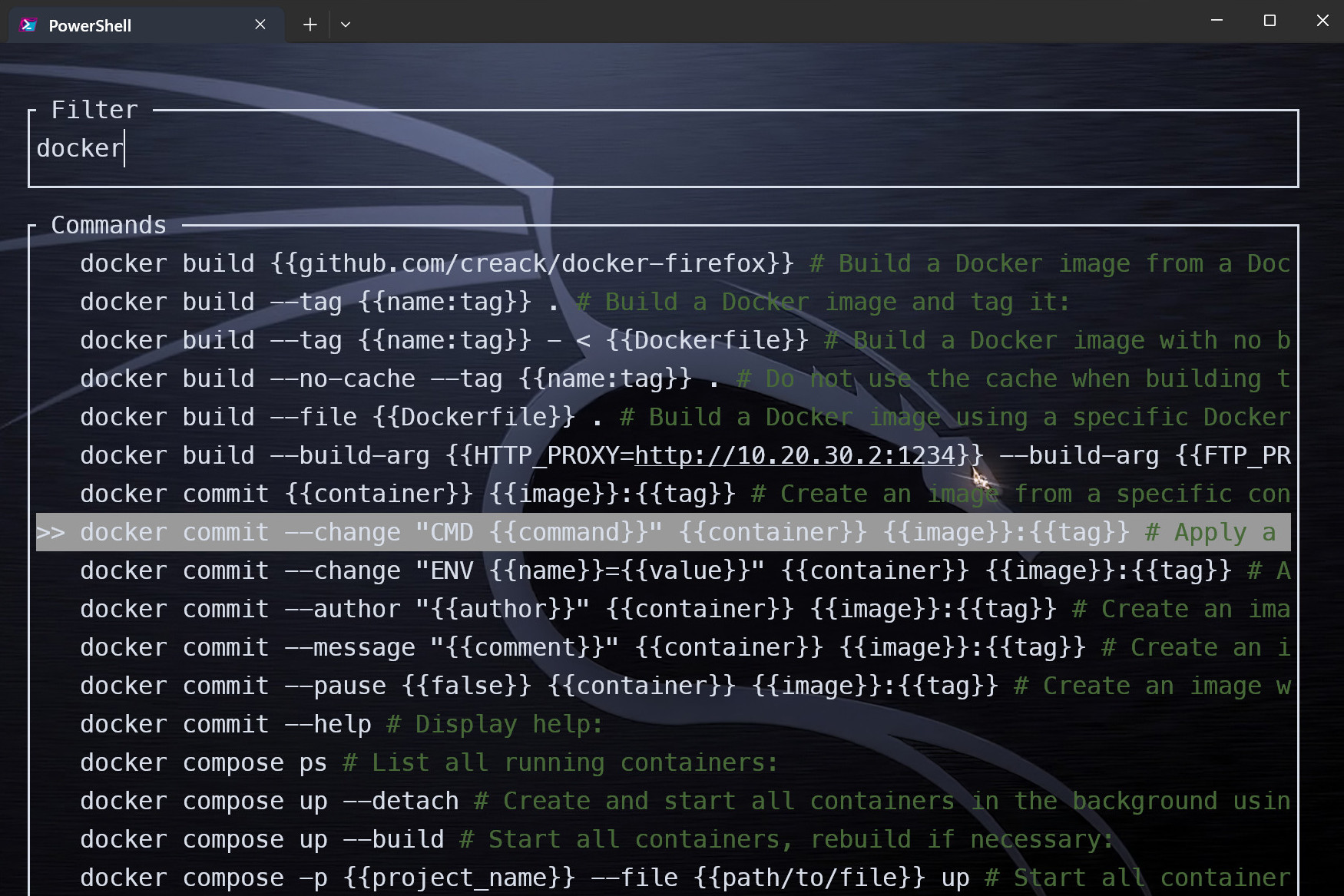
Type the beginning of the command, for example docker and intelli-shell will fetch
a list of commands starting with docker from your bookmarked commands and tldr.
Navigate with ↑ or ↓. Select with Enter.
Hotkeys
ctrl + b bookmark currently typed command
ctrl + space show suggestions for current line
ctrl + l replace labels of currently typed command (Linux)
esc clean current line, this binding can be skipped if INTELLI_SKIP_ESC_BIND=1
Note: When navigating items, selected suggestion can be deleted with ctrl + d or edited with any of: ctrl + e, ctrl + u or F2
You can customize key bindings using environment variables: INTELLI_BOOKMARK_HOTKEY, INTELLI_SEARCH_HOTKEY and INTELLI_LABEL_HOTKEY
Help
Usage: intelli-shell.exe [OPTIONS]
| Commands: | Description |
|---|---|
| new | Stores a new user command |
| search | Opens a new search interface |
| label | Opens a new label interface |
| export | Exports stored user commands |
| import | Imports user commands |
| fetch | Fetches new commands from tldr |
| help | Print this message or the help of the given subcommand(s) |
| Options: | Description |
|---|---|
| -i, --inline | Whether the UI should be rendered inline instead of taking full terminal |
| --inline-extra-line | Whether an extra line should be rendered when inline |
| -f, --file-output <FILE_OUTPUT> | Path of an existing file to write the output to (defaults to stdout) |
| -h, --help | Print help |
| -V, --version | Print version |
More details on IntelliShell and tldr.